Welcome to PRIME COUPONS - AMAZON Coupons and Discounts
Home > Product Details


Coupon Added 1 day ago
Valid Until
Dec 17 2025
Conmutador KVM HDMI/DisplayPort 2 monitores 2 computadoras 4K@60Hz Conmutador KVM dual monitor para 2 computadoras Compartir 2 pantallas y 4 puertos USB 3.0 Soporte modo extendido/copiar con controlador de escritorio
$62.31
$75.99
18.0 % Off
Extra 0% on AMZThe Description And Pictures Of Product are for Reference Only. Please visit Amazon For Complete Details

About this item
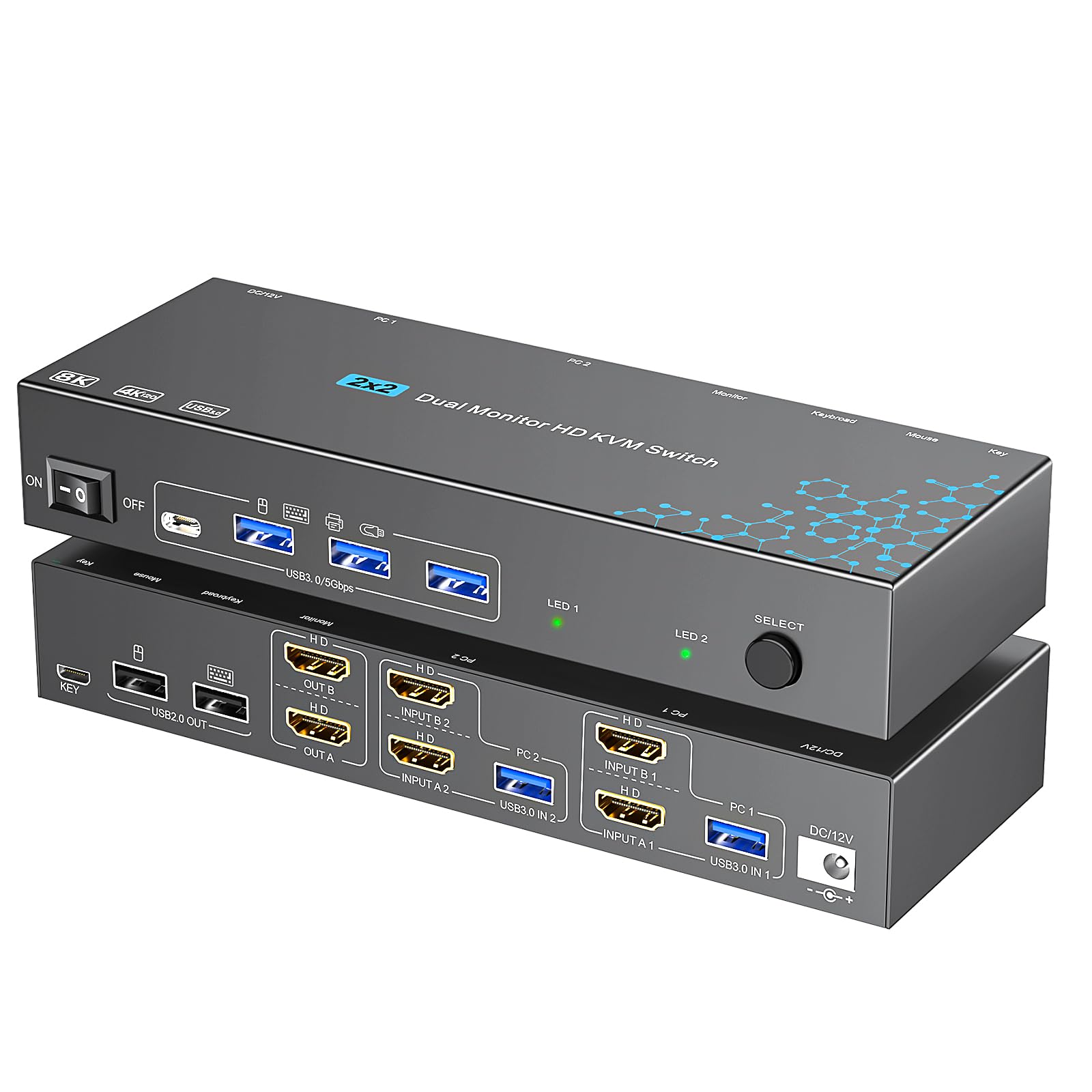
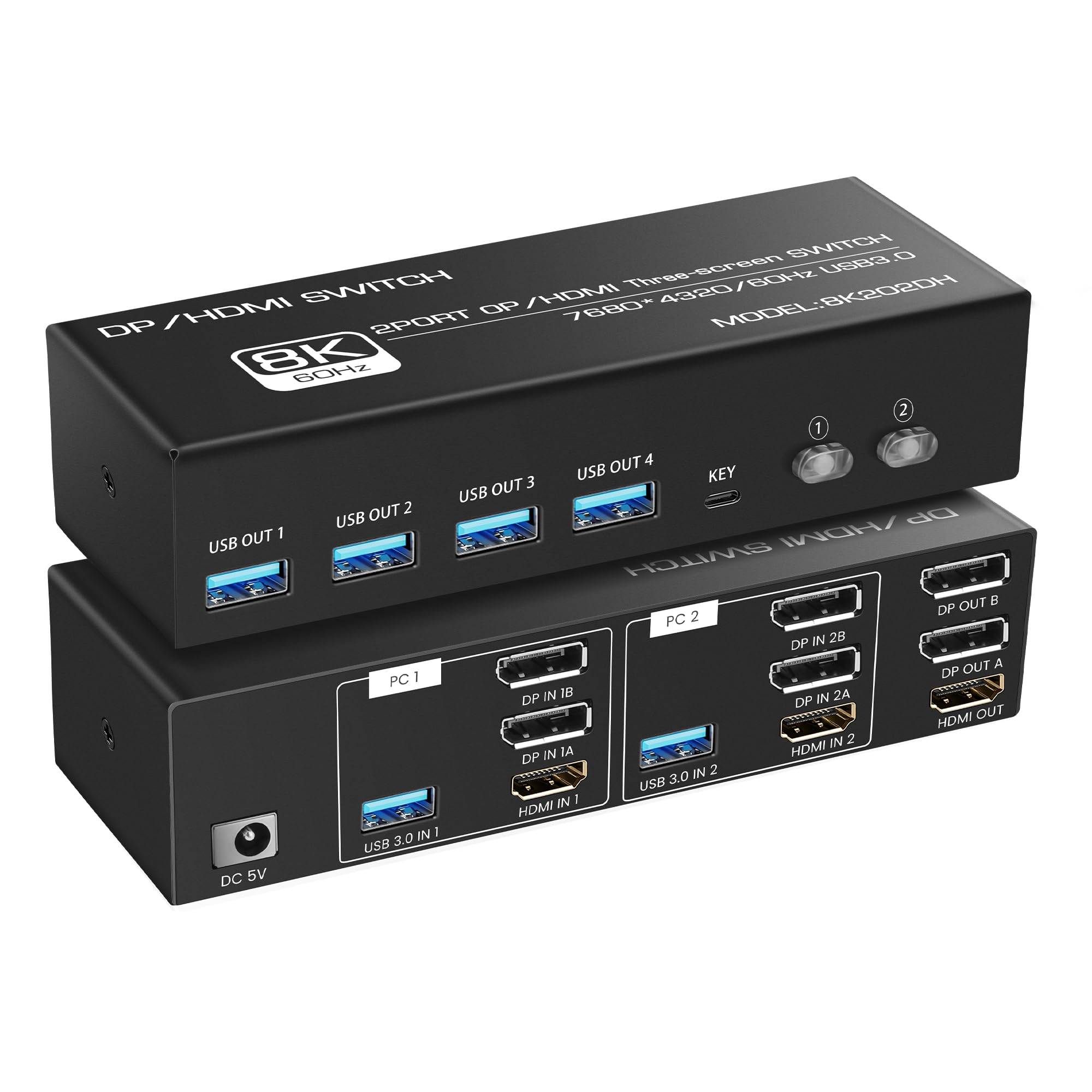
- 【Connection Steps】Step 1: Connect the supplied 12V/1A power supply unit to ensure stable operation of the KVM switch. Step 2: Connect the DP A + HDMI B and USB-A ports of PC 1/PC 2 to the ports of PC 1 IN/PC 2 IN on the back of the KVM. Step 3: Connect OUT A/B on the back of the KVM to the display device; OUT A displays video from DP A, and OUT B displays video from HDMI B. Step 4: Connect devices such as mouse and keyboards to the front USB ports. 2 PCs can share 2 monitors and 4 USB 3.0 ports
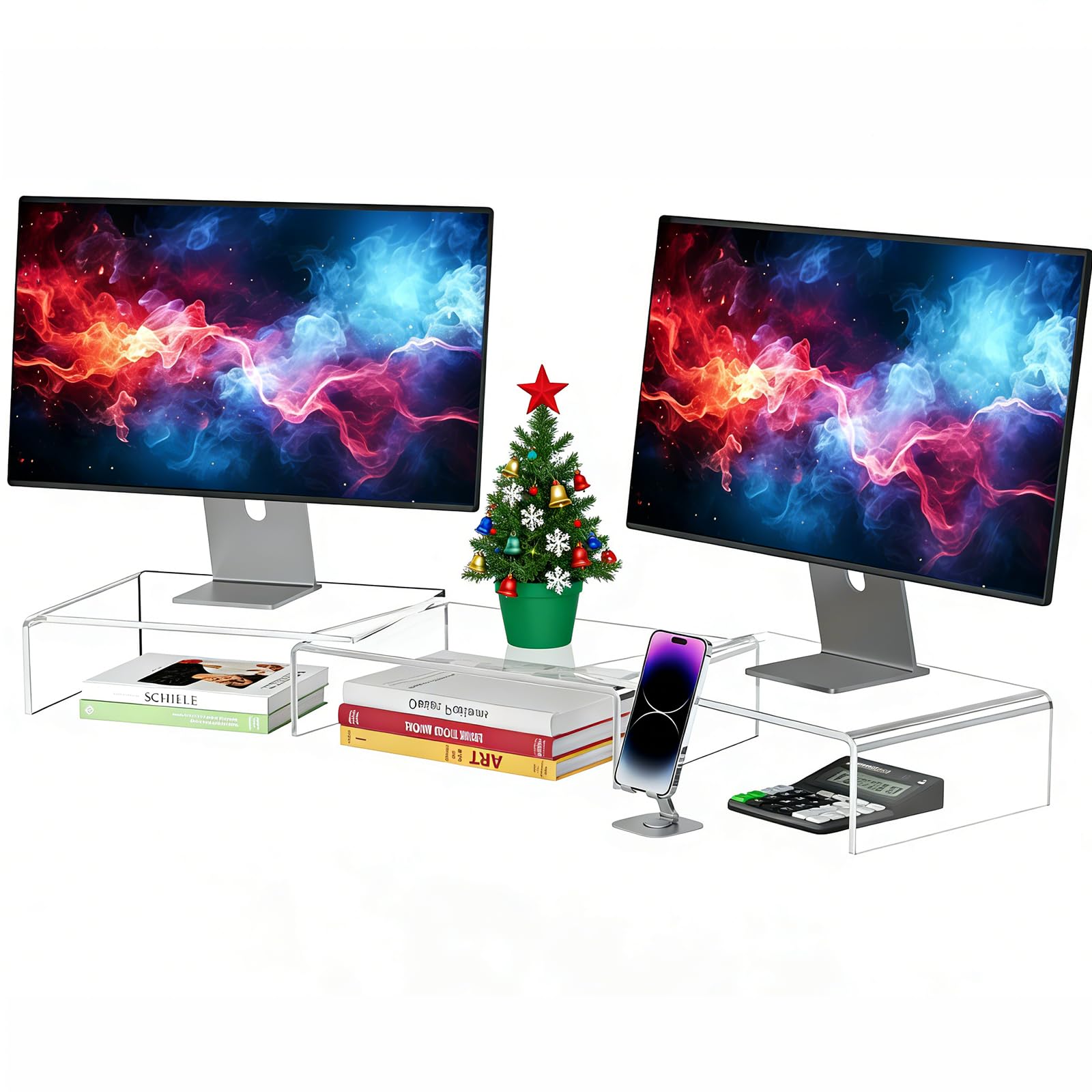
- 【Dual Monitors】The KVM switch 2 monitors 2 computers for DP and HDMI ports device to share keyboard mouse and monitor. KVM switches support Extended&Copy Mode. Note: Please make sure your computers/laptops/docking stations have DP+HDMI port (HDMI input can only be output to a monitor with HDMI, DP input can only be output to a monitor with DP). The DP A and HDMI B ports must be connected to the same computer. For compatibility reasons, it is not recommended to use the KVM switch on Mac devices
- 【Ultra HD Visual Effects】This HDMI + DP KVM switch support resolution up to 3840*2160@60Hz(4K@60hz). Brings you realistic visual enjoyment. Note: Please make sure your signal source and monitor as well as cables support 4K60Hz. It is recommended to use a high quality DP 1.2 and HDMI 2.0 standard cable with a length of no more than 3.3 feet for more stable operation and to avoid black screen flicker
- 【Support 4 USB Peripherals】This KVM switches 2 in 2 out has 4 USB 3.0 ports for sharing mouse, keyboard, USB printers, scanners, etc,. And is backwards compatible with USB 2.0 and USB 1.1 devices. Note:If the input USB 3.0 ports are not connected or connected incorrectly, the USB device will not be recognized. (Please note: Use with any adapter is not supported.)
- 【2 Ways to Switch】The dual monitor KVM switch supports 2 switching mode: 1. Press the selection button on the switcher to switch the signal source; 2. Use the desktop controller button to switch the signal source (included in the package). The LED light shows the active device, solving the problem of frequent plugging and unplugging. It supports various systems such as Windows/Vista/XP and Mac OS, Linux and Unix. NOTE: Keyboard shortcuts (hotkeys) toggles are not supported